

Getting Started
Understand Your Pipeline Dashboard
Your dashboard is the one place you need to check to know what's stalled, what's ready for you, and what's just waiting on your client.
Projects are grouped by stage
Every project sits in one group — Awaiting Content, Under Review, Needs Client Fix, In Progress, Awaiting Payment, or Completed — with a count badge so you can see how much is piling up in each before you even open it.
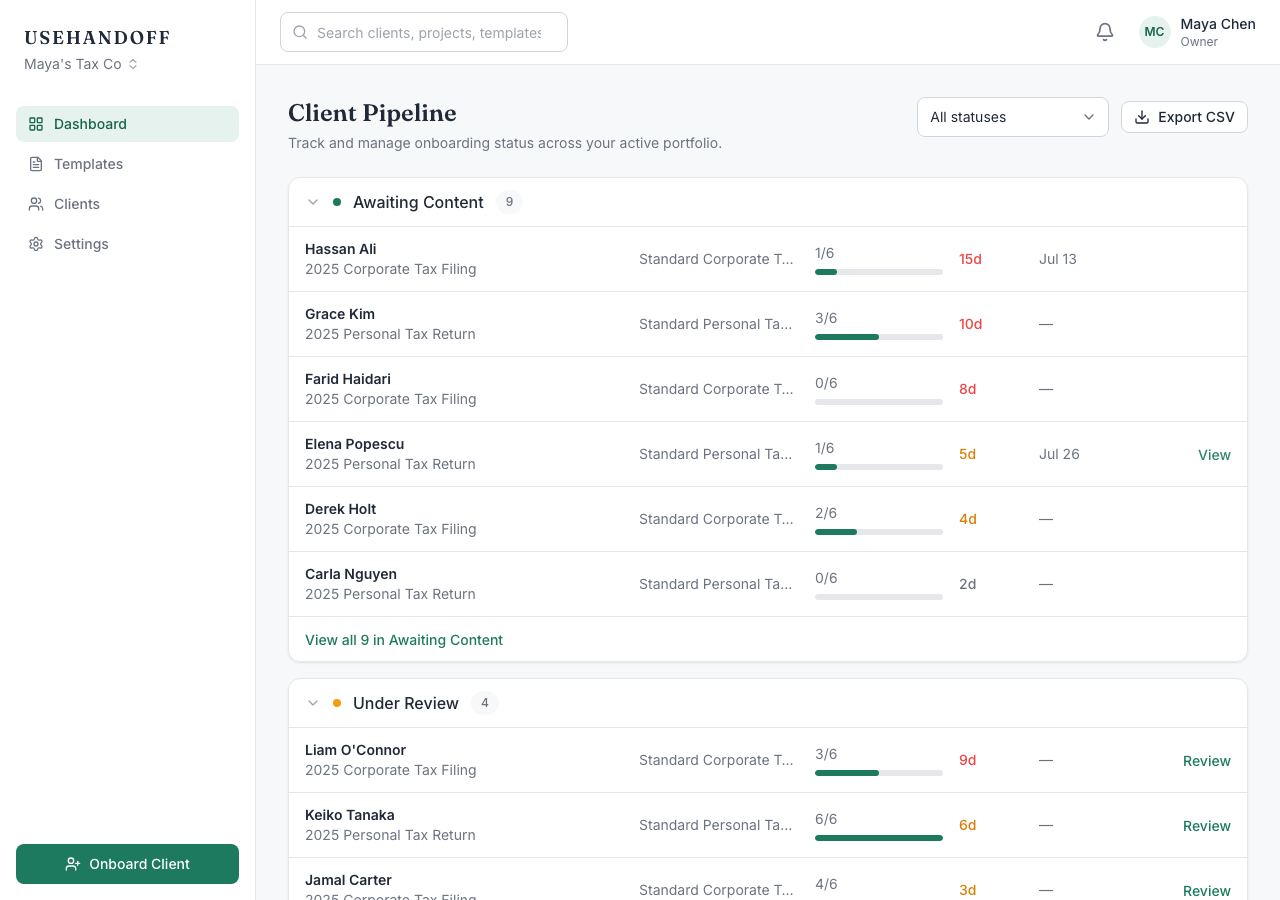
Color tells you what's urgent
Each row shows how long it's sat in its current stage. That age turns amber after three days and red after seven — so a quick glance tells you which clients have gone quiet, without opening a single project.
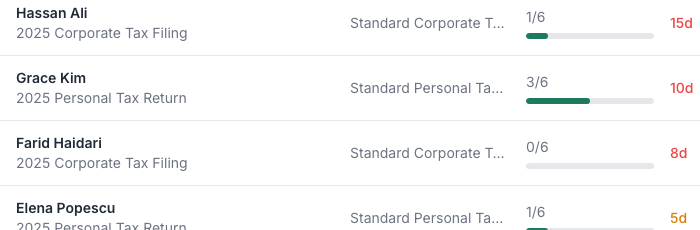
Search and filter
Use the filter dropdown to narrow to one status, or the search box to jump straight to a client or project by name — both update the URL, so a filtered view is one you can bookmark or share with a teammate.